In-app purchases, actually paused. Open them on purpose.
Not a reminder. A shield before every guarded app, and purchases pause on the whole phone until you open a window to buy.
Free inside the limit. Coins past it.
Every app gets its own monthly limit. Inside it, windows are free. Past it, coins.
- 3free windows a month, by default
- 5 coinsper window past the limit
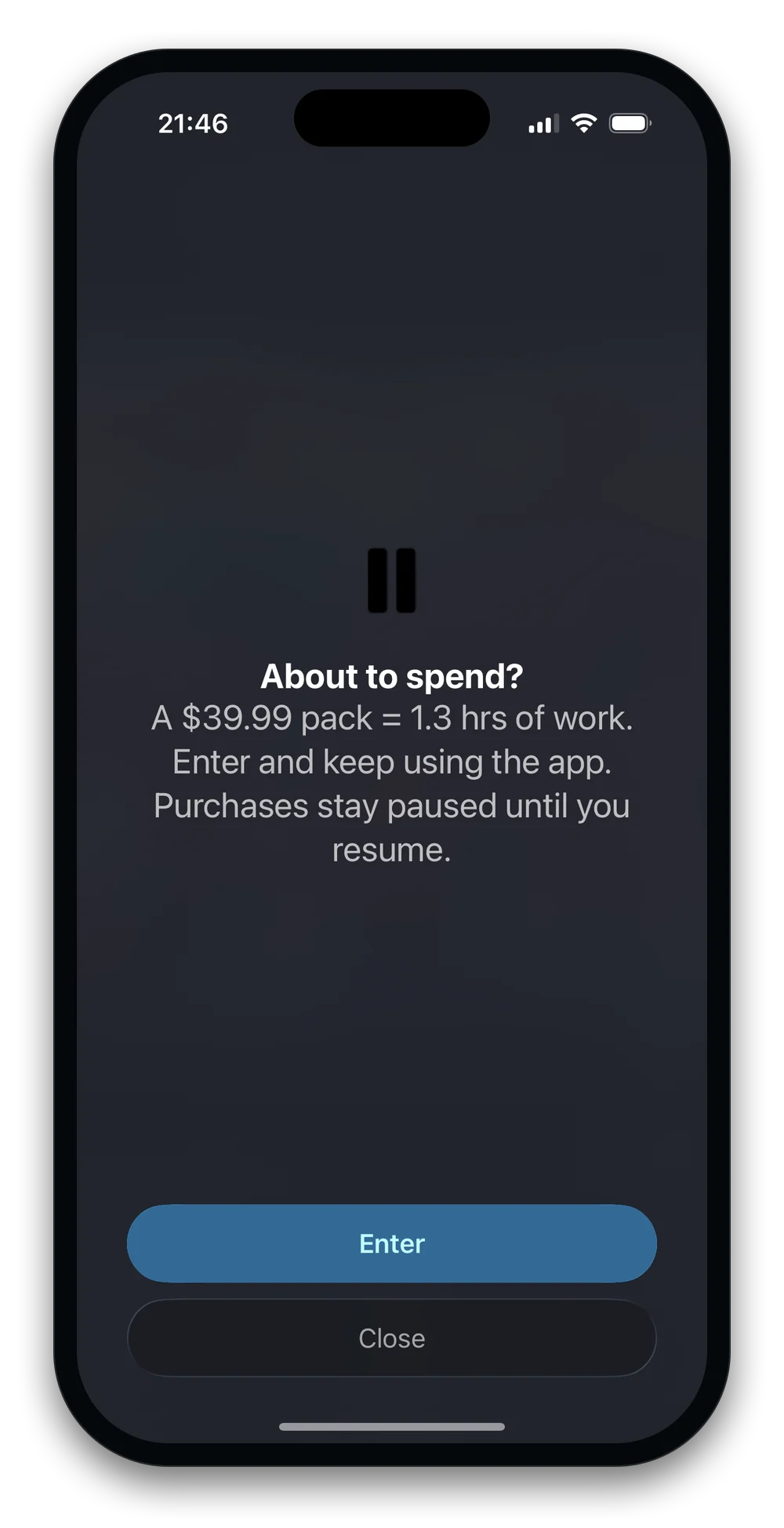
A pause between the urge and the wallet.
Close, or Enter. Entering is free and you keep using the app. Only buying pauses.
- $39.99 ≈ 1.3 hrsthe price in your time, at $30/hr
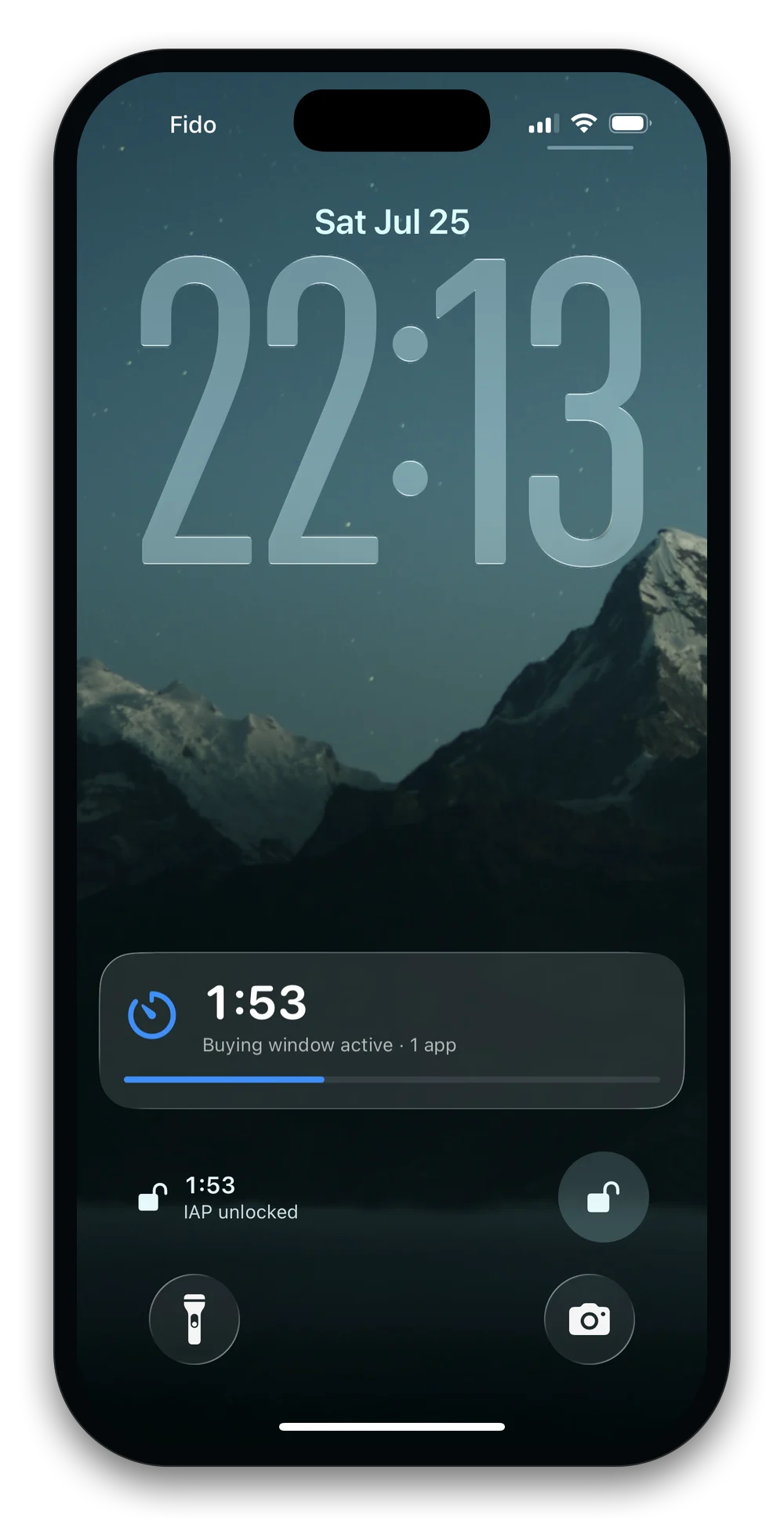
The buying window doesn’t hide.
It counts down on your Lock Screen and Dynamic Island, and ends on its own.
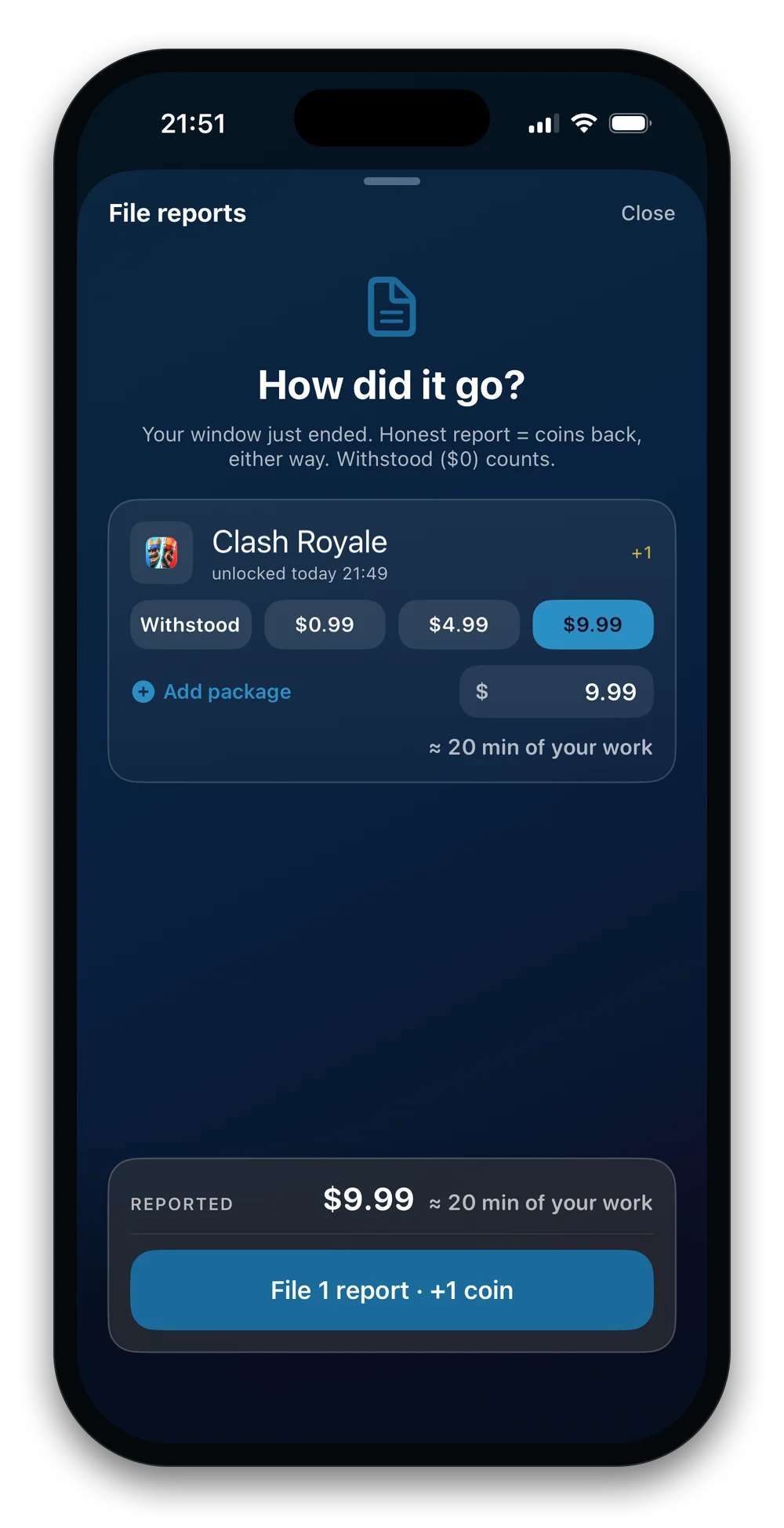
Earn coins by reporting.
Report what you spent, even $0, and coins come back. Run dry and a small pack tops you up.
- 10coins to start
- +1per report within 24h
- 3 a monthcoin packs, at most
Every purchase is a line on the statement.
What you spent, app by app, in hours of your work. Never what you “saved”.
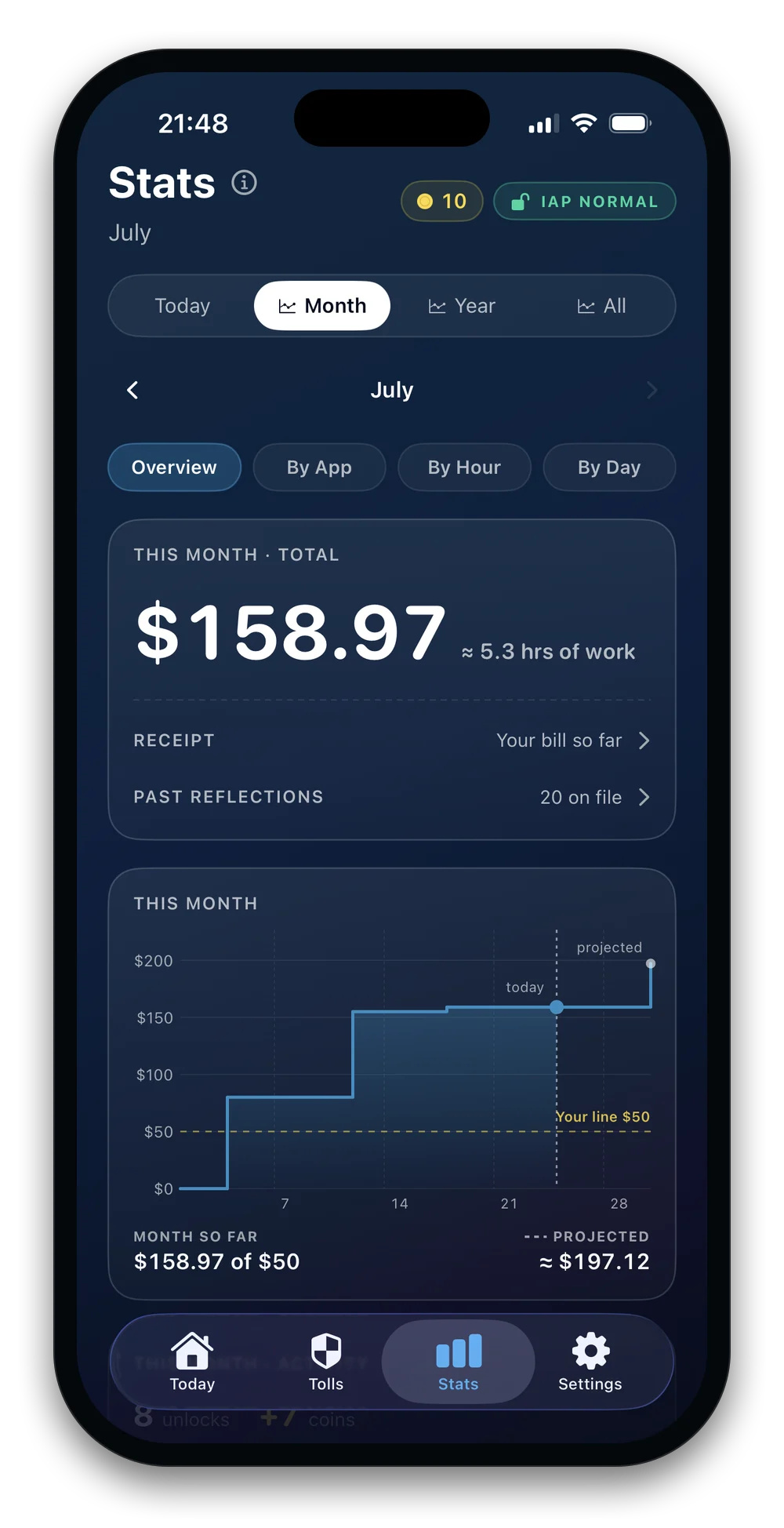
Draw a line. See the day you cross it.
One line across every app. It keeps count and never charges.
What does your in-app spending actually cost?
That’s 2.5 workdays a year on in-app purchases, valued at your own time. Spend Toll shows you this math every time you reach for a purchase. No data leaves your phone. This calculator runs entirely in your browser.
Friction is the product.
Most tools either switch off in a tap or only remind you. This one pauses the purchase.
Friction, not punishment.
Every way out stays open. The friction is the point, not a penalty.
What we do and don’t see.
No accounts, no analytics, no server. We can’t see your data, by design.
- The apps you choose to guard
- What you reported spending
- Your stats, receipts and reflections
- The monthly line you drew
- An account or your email
- Ads or analytics SDKs
- Your payment method
- What you buy in those apps
- Anything you don’t choose to send us
Also inside.
The core is free. Pro: $19.99 a year, 7-day free trial (US price).
Pause first. Buy on purpose.
Free to download. No account. No tracking.
Download on the App Store